UI/UX Design for Data Portals

Link Digital doesn’t just implement the world’s leading open-source data management platform. We build and improve it.

data-portal-ui-ux-hero
Hero Banner 2
Hero Image 4

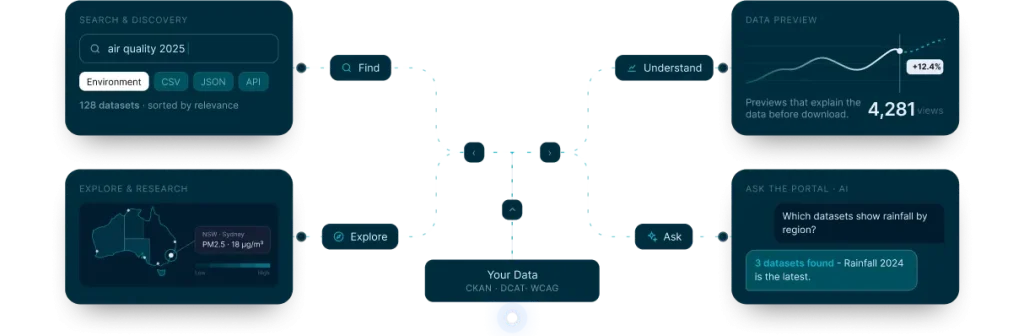
Most data portals are usually judged on how well users can download data. A better criteria is the portal’s overall usability. User Interface/User Experience (UI/UX) design is the practice of shaping how people search, filter, preview, and download datasets from your portal. Link Digital brings user experience design to CKAN and open data platforms, combining interface design with a deep knowledge of how the public sector and research data are structured and consumed.

The problem with most data portals

A portal can hold thousands of high-value datasets and still go unused. Common failure points include:

  • Searches that return too much or nothing useful
  • Dataset pages that assume the visitor already knows exactly what they are looking for
  • Filters and metadata that make sense to publishers but not to the public
  • Interfaces that are difficult to use on mobile devices or with assistive technology
  • No clear path from finding a dataset to downloading it

The result is a platform that meets its publishing obligation but not its actual purpose.

What we design

  • Information architecture

    Organising catalogues, topics, and navigation so large datasets stay easily findable.

  • Search and discovery

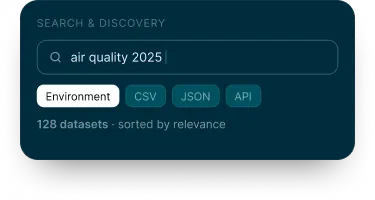
    Faceted search, filtering, and results layouts attuned to how your audience actually looks for data.

  • Content & metadata design

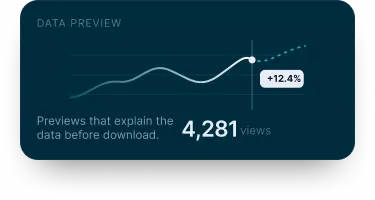
    Dataset and resource pages with clear previews, metadata, and download options that reduce guesswork.

  • Accessibility

    Interfaces built to recognised accessibility standards from the start, not retrofitted.

  • Design systems & theming

    Consistent, reusable components for CKAN and other platforms.

  • UX research & testing

    Usability sessions with the people who will actually use the portal.

  • Data visualisation

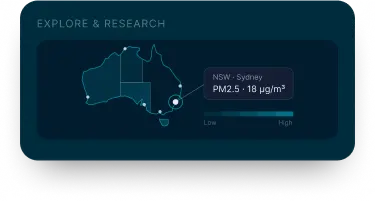
    Charts, interactive graphs, and geospatial views and mapping.

  • Collaboration tools

    Commenting and contribution workflows for teams working on the portal.

Our approach

Five steps from understanding your users to a live, usable portal. Each step ends with something you can review.

Data portal UI and UX process flow
  1. 1

    Understand your users

    We identify who uses the portal (data managers, researchers, journalists, citizens) and what they want to do.

    User personas & journeys
  2. 2

    Audit the current experience

    If it’s an existing portal, we review it against key usability and accessibility benchmarks.

    UX & WCAG audit report
  3. 3

    Design and prototype

    We produce interface designs and interactive prototypes for you to review.

    Clickable prototype
  4. 4

    Test and refine

    Where possible, we validate our designs with real users and refine them before build.

    Usability test findings
  5. 5

    Implement and hand over

    We work with your platform team to build the design into the live portal.

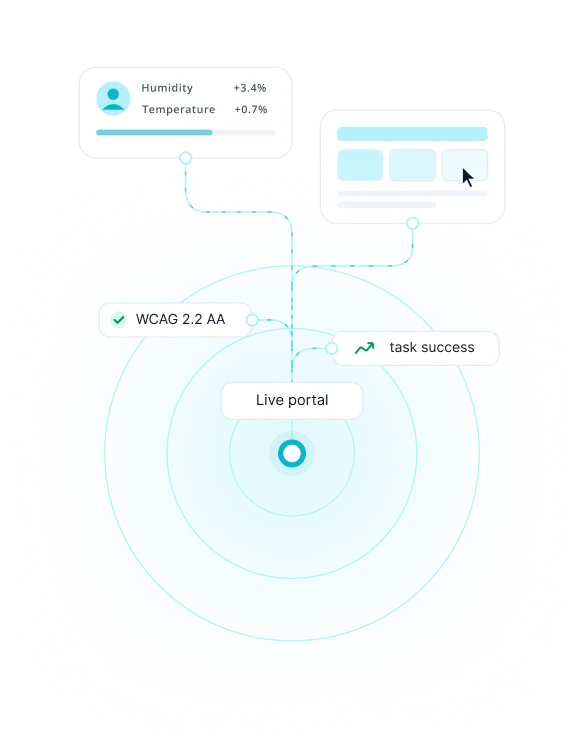
    Live portal

Building on open data standards

Good portal design is not only visual. It adheres to the standards that make data usable:

  • WCAG (Web Content Accessibility Guidelines)

    The W3C accessibility standard for web content. We design to recognise WCAG conformance levels so portals can be easily used with assistive technology.

  • DCAT (Data Catalog Vocabulary)

    A W3C vocabulary to make data catalogues interoperable. We design discovery experiences that work with standardised DCAT friendly metadata.

  • FAIR Principles

    (Findable, Accessible, Interoperable, Reusable). Our design work supports findability and accessibility in practice, not just in policy.

Trusted across industries

  • Pacific Data Hub project preview Regional development

    Pacific Data Hub

    A regional gateway to data about the Pacific, supporting Pacific Island countries and their partners.

  • CanWIN project preview Research

    CanWIN

    University of Manitoba’s research data hub, sharing freshwater data and environmental research data.
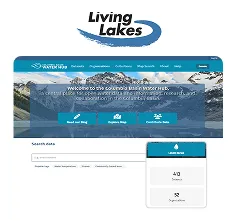
  • Columbia Basin Water Hub project preview Environment

    Columbia Basin Water Hub

    An open hub for water monitoring data across the Columbia Basin, shared by communities and researchers.
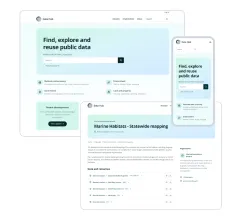
  • Government Open data catalogue project preview Government

    Government Open data catalogue

    Open data catalogue, bringing together datasets from government agencies in one place.

Frequently asked questions

1. What is data portal UI/UX design?

It is the design of how people search, browse, understand, and download data on a portal, so that publishing data leads to real re-use. It covers search, catalogues, topics, and navigation, accessibility, and usability.

No. CKAN is our core expertise, but we also design for other open data platforms and custom-built portals.

We do both. For existing portals, we start with a UX and accessibility audit, then improve the experience step by step without disrupting your users.

We design to recognise WCAG conformance levels. The exact level and any jurisdiction-specific obligations are pre-agreed with each client before we start work.

We review your requirements before we start the project with a discovery session to identify your portal’s bottlenecks and pain points and what your desired outcomes are. Contact our team through “Talk to our team”. We will run a short discovery call to understand your portal and goals, then propose a scope and timeline.

Ready to make your data portal usable?

Link Digital
Privacy Overview

This website uses cookies so that we can provide you with the best user experience possible. Cookie information is stored in your browser and performs functions such as recognising you when you return to our website and helping our team to understand which sections of the website you find most interesting and useful.